
 (5 votes, average: 5.00 out of 5)
 Loading...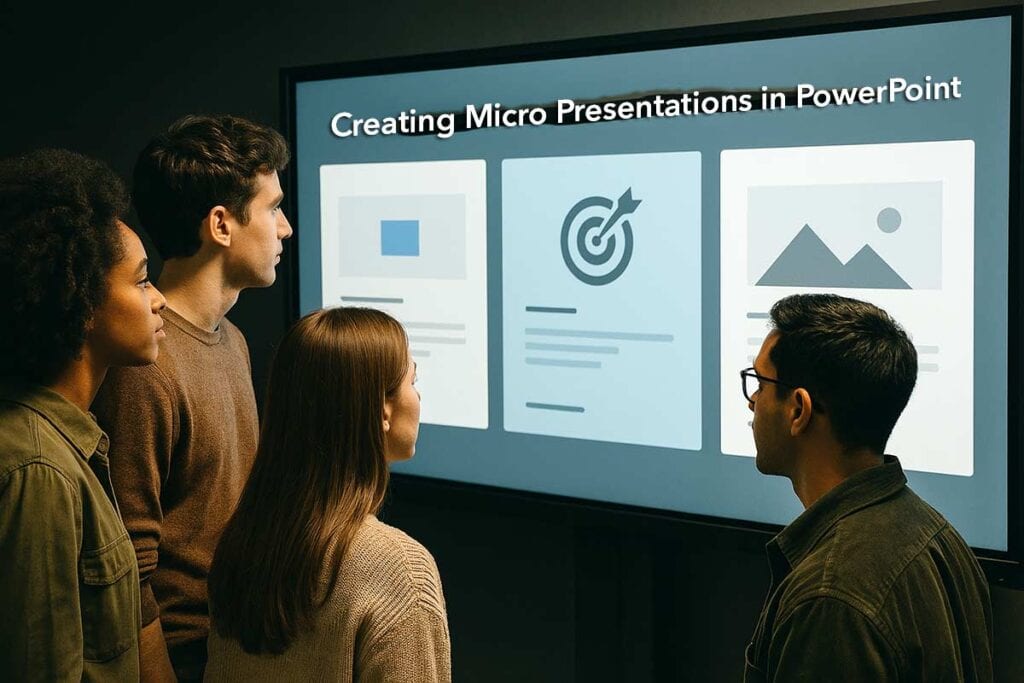
This page is a vibrant guide to mastering the art of “micro-presentations”—bite-sized PowerPoint stories designed to be delivered in 90 seconds or less. If you’re prepping for social media reels, or guiding others on concise, compelling communication, this is your roadmap.
What’s a Micro Presentation Created in PowerPoint?
Quick Recipe for a Micro Presentation in PowerPoint
PowerPoint Magic (No Wand Required)
Micro Presentations without Slides
Conclusion: Small Slides, Big Impact
What’s a Micro Presentation Created in PowerPoint?
Picture this: you’ve got 90 seconds, one big idea, and a few PowerPoint slides to make it sparkle. It’s like speed dating with your audience—short, snappy, and designed to leave a lasting impression.
- Think of it as the Instagram reel, the YouTube shorts, or even the TikTok of presentations: brief, punchy, and visual.
- These micro presentations are common in interviews, pitches, school events, or reels. Some of these interactions require two or three slides, and some even want you to present without slides in 90 seconds.
- Your slides, when used, are visual cues—not movie scripts or novels. Think billboards, not brochures. They should whisper your message, not shout paragraphs.
Micro presentations are inspired by clips like Indra Nooyi’s speech. Using her speech as an example, this post will unpack best practices for brief but impactful delivery—ideal for reels or social media adaptations.
Quick Recipe for a Micro Presentation in PowerPoint
Think of your presentation like a cupcake, not a wedding cake. You only need three bites to get your message across—no need for layers, frosting towers, or sparklers.
- Fun fact: Audiences remember fewer than 3 key points after a talk—so make them count!
- Movie trailers often run under 2 minutes and still make you want to watch the whole thing.
- Zen masters believe simplicity leads to clarity. Also, they probably use three-slide decks.
With these basics in place, let us explore what your three slides can contain:
Slide 1. The Hook
This is the opening slide.
What Goes on It: Summary + call to think/do/share
Analogy: Your mic-drop moment—make it count!Slide 2. The Message
This is the body slide. Yes, you get just one slide for your body content.
What Goes on It: One key idea + simple visual
Analogy: Like the story’s punchline told in picturesSlide 3. Wrap-Up
This is the final slide, with your call to action, or anything you want the viewers to remember.
What Goes on It: Summary + call to think/do/share
Analogy: Your mic-drop moment—make it count!
A three-slide approach is not limited to micro presentations. Many speakers have successfully used it with delivered presentations as well.
Tips for Micro-Presentations
Use large fonts, minimal text, and one bold visual per slide. Think poster, not flyer.
PowerPoint Magic (No Wand Required)
PowerPoint can play some amazing tricks for micro presentations.
Tip 1: Use SmartArt or Icons
Think of SmartArt and icons like emojis for grown-ups—they communicate a ton without shouting.
- They visually whisper your point instead of yelling with a wall of text.
- Like decorating your living room: one great painting beats 12 random posters.
- Bonus: Icons are like mini ninja visuals—they sneak in impact without clutter.
Tip 2: Go Easy on Animations
A gentle Fade or Zoom is the PowerPoint equivalent of James Bond entering the room—smooth, stylish, no glitter explosion.
- Keep the disco fever on mute. Flashy animations are like fireworks during a TED Talk—distracting and possibly hazardous to your audience’s attention span.
- Pro move: Let content shine, not the animation studio you wish you owned.
Tip 3: Hide a Slide, Prep Like a Spy
Hidden slides are your secret stash—like cue cards tucked in your coat.
- The audience doesn’t see it, but it’s your backup brain.
- Think Batman’s utility belt: you may never need the batarang, but knowing it’s there gives you superhero confidence.
Micro Presentations without Slides
Many institutions and enterprises need you to deliver a micro presentation without slides as a part of the admission or selection process.
Here’s how this process works:
- Duration: Each candidate gets 90 seconds to speak on a randomly assigned topic.
- Purpose: It’s designed to assess your communication skills, clarity of thought, confidence, and ability to organize ideas under pressure.
- Topics: You may optionally be provided with a list of topics in advance—ranging from AI and climate change to ethics in business and social media addiction.
- No Slides Allowed: You must speak without PowerPoint, props, or notes—it’s purely oral. This approach is taken because there may be many aspirants, and it’s easier to scale up without having to worry about technology issues.
- Evaluation Criteria: Panelists look for structure (intro, body, conclusion), creativity, relevance, and how well you engage with follow-up questions.
Think of these no-slides micro presentations as verbal tweets with personality—short, sharp, and memorable.
Conclusion: Small Slides, Big Impact
Micro-presentations prove that brevity isn’t a limitation—it’s an amplifier. With just a few slides and a clear narrative, you can spark curiosity, share insights, and even inspire action in under two minutes. By embracing simplicity, visual clarity, and a storyteller’s mindset, you’re not just presenting—you’re performing a memorable moment. Whether you’re pitching, teaching, or posting a reel, this format lets your message travel light and land with precision.
Related Posts
 Exporting a PowerPoint presentation as a video (movie) clip is a feature that was only available to PowerPoint for Mac users. Although newer versions ...
 Doing makeovers of slides is such a satisfying task, That may be because removing the ugly and replacing it with near perfection is a reward in itself...
 Note: This post was first written in 2007. Since the content of this post is still applicable to newer versions of PowerPoint, we have slightly edited...
 FF Chartwell is a different font type. Rather than show alphabets or numbers, or even dingbats, it creates simple charts. What's more--FF Chartwell is...